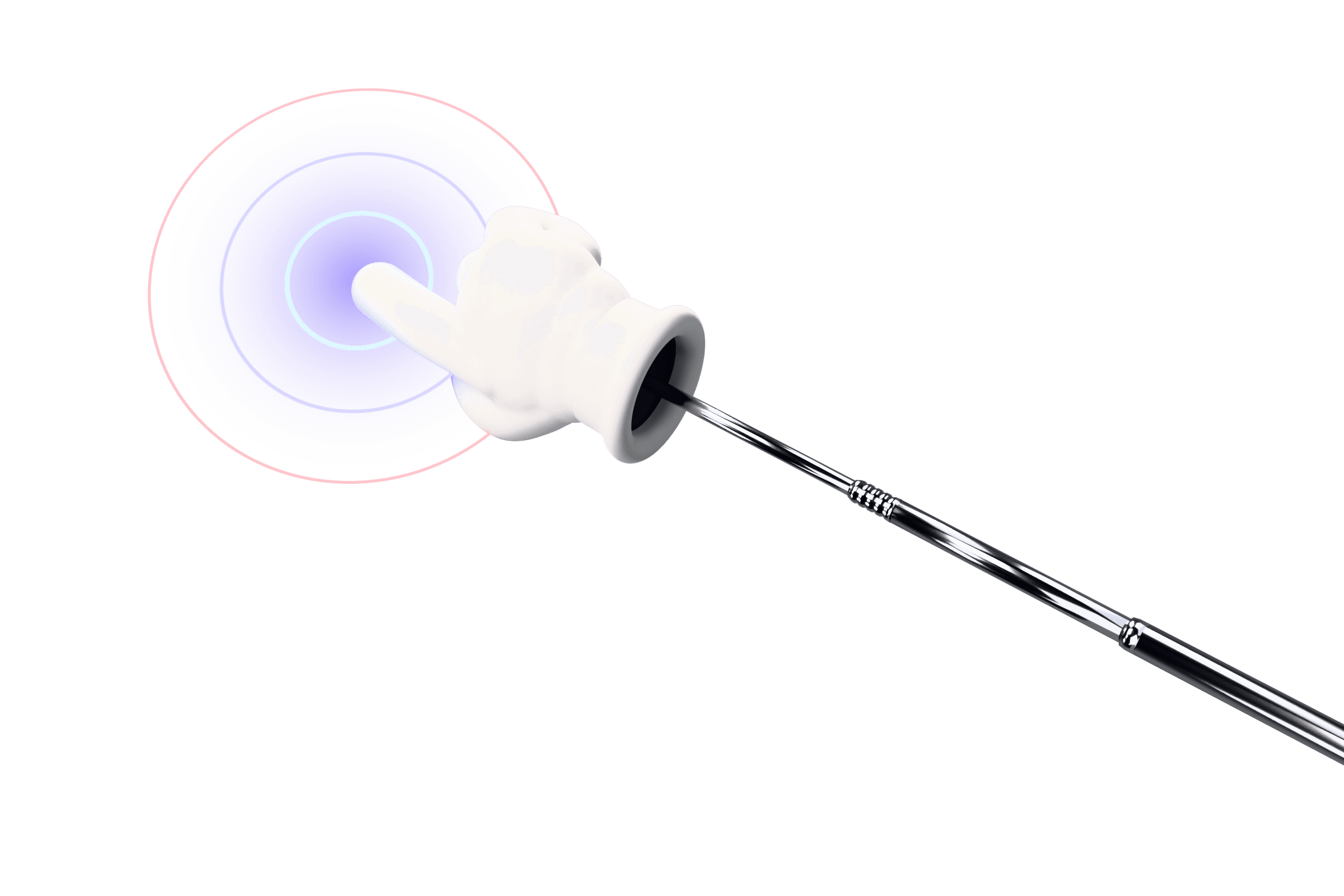
Why students lose track of your cursor
When you teach from a computer, whether on a projector, an interactive display or a remote session, students are trying to follow two things at once: what you say and where you are on screen. A small cursor on a busy worksheet, map or code editor is easy to lose, especially for students sitting far from the screen or watching on a laptop at home.
What changes with PointerStick
- Big and obvious. A cartoon glove on a telescoping stick is visible from the back row and in a small video window.
- Clicks you can see and hear. When you click a link, a cell or a button, the hand taps the screen with a ripple and a sound, so students notice the action.
- Works in every app. Slides, browsers, spreadsheets, PDF readers, coding tools, maps: the pointer is the same everywhere.
- Fun, on purpose. Younger students love it. A gesture like Peace or a rubber duck squeak turns “look here” into a tiny moment of delight.
Ideas for the classroom
- Guided reading. Follow along under a line of text with the fingertip, like you would with a real pointer.
- Maps and diagrams. Tap each region or part as you name it. The impact effect marks the spot for a moment after you move on.
- Live demos. Teaching software, spreadsheets or code? Visible clicks make it much easier for students to repeat your steps.
- Remote lessons. Share your entire screen in Zoom, Teams or Google Meet so the pointer is included, and students at home get the same view as the classroom.
- Hand it over. Let a student take the mouse to show their answer. The pointer makes it a bit of an occasion.
Keeping it classroom-friendly
The default skins are calm: a white glove, a soft ripple and a quiet glass tap. You can mute sounds entirely, turn off trails and pick a smaller size in the Locker. Toggle it on only when you're pointing at something, and off again with the same hotkey (Ctrl + Alt + P).
Pricing for teachers
PointerStick is free to download and use. Premium, with every style plus screenshots and screen recording, is $12.99 once, with no subscription and no account to manage. It runs on Windows 10 and 11. See the pricing details or download if you already have a key.